
Wind-up Timer

Do you wish you had a wind-up kitchen timer in your pocket? So did I and that’s why I wrote this app.
Exquisitely designed, this timer gives you the best mechanical wind-up feel that you’ll get out of a touch screen. Clicks when turned, ticks while running, dings when done. If you want to remember what you’re timing, tap the center to reveal a text label to type on. Write it down so you won’t forget.
Use it to time eggs, exercise routines, paint drying, or work.
Simple, touchable, audible. You’re welcome.
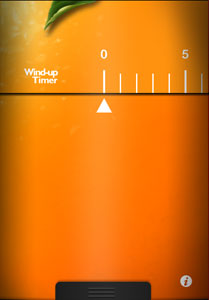
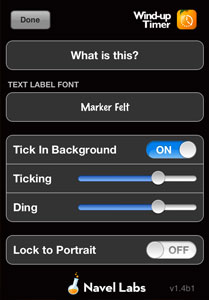
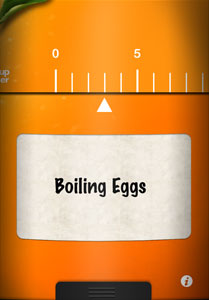
Features
- Hi resolution graphics for the Retina Display
- Countdown runs in background
- Uses local notifications when time is up on iOS 4.0 devices
- Landscape mode (with switch to lock to portrait)
- Adjustable volume for ticking and ding
- Continues to tick while iPod music is playing
- Choose from several fonts for the text label
Requirements
- Requires iPhone or iPod touch OS 4.1 or greater
Frequently Asked Questions
- Can I listen to music while the timer is ticking?
-
Yes. If for some reason you really want to play music along side the marvelous ticking sound, you can. Just start the music playing in the iPod app before launching the timer. You can quit and come back, too, if you need to pick a new song or playlist.
- Does the screen stay on while the timer ticks?
-
Yes it does! The screen stays on so you can reference the focus label or glance at the time if you need to. Obviously, this may also run down your battery. If you want to turn off the screen, just press the lock button on the top of the device. The screen will turn off and the timer will still continue ticking.
- Does the timer keep running even if I quit?
-
If you don’t have multitasking on your device, the timer appears to keep running. If you leave and come back, it will pickup where it should have left off. But since it cannot run in the background it won’t ding when finished unless the app is running at the time.
If you do have multitasking or run the latest version of iOS that has local notifications, then the timer will ding even if it’s not running!